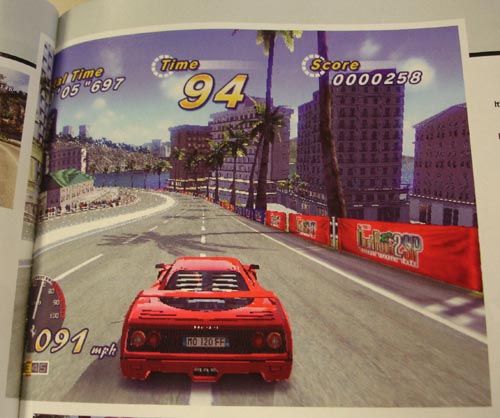
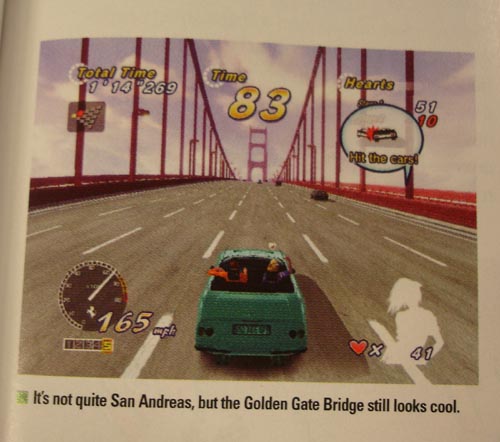
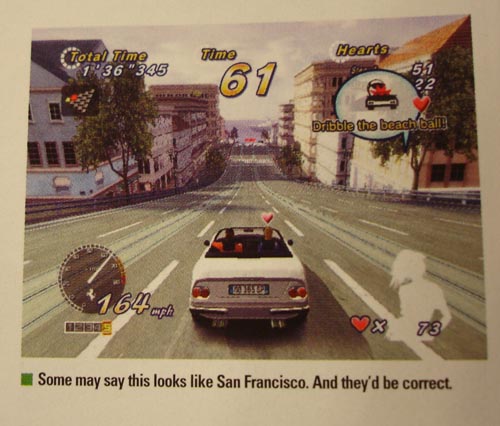
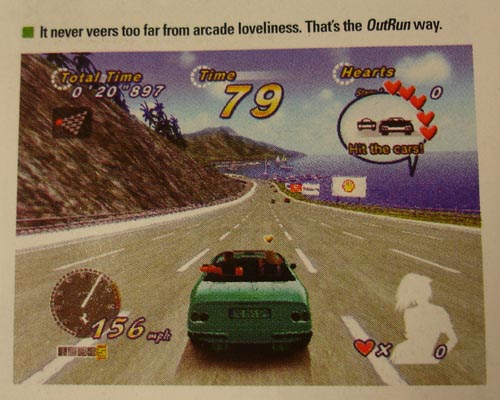
It’s easy, really. If you’ve got a blog or web site or magazine and are planning on taking screenshots of OutRun 2006 in the coming days or weeks, follow this handy guide to avoid embarrassing yourself by taking shit grabs of the world’s prettiest driving game.
We’ve used the PSP version here, but these rules also apply to the Xbox, PS2 and PC versions of OutRun 2006 Coast 2 Coast. Have fun!
OUTRUN 2006 SCREENSHOT TIPS:
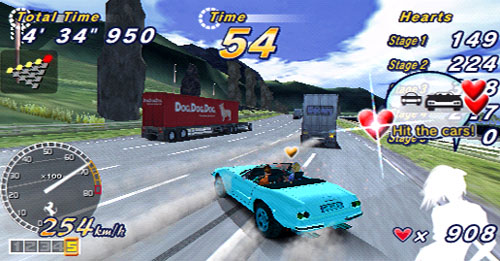
1. No one likes to see cars going in straight lines down empty tracks, so make sure there are lots of other cars/lorries on the screen.
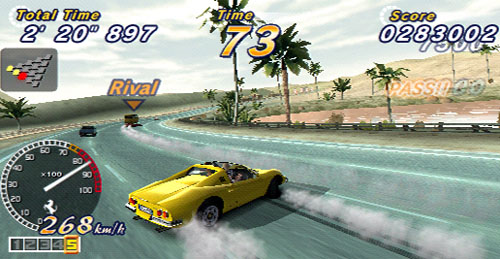
2. Slide a bit, so there’s smoke coming off the wheels and you can see more of the car. That’s immediately 50 percent more exciting! You slide by tapping ‘brake’ then releasing it and steering hard to one side, just in case you’ve only ever played Burnout and aren’t used to the concept of ‘steering’ to get round corners in driving games.
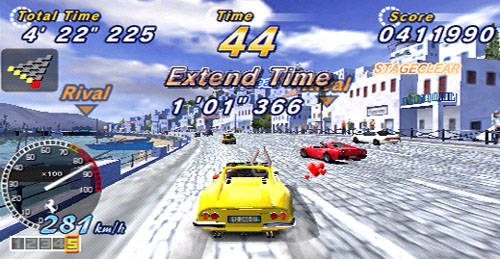
3. Get to the last section of track on the Hard route and take a screenshot of it, so people know you’ve played it enough to get really good at it. Catching it when it flashes text across the screen makes it even better, but that’s advanced stuff we’ll go into at a later date.
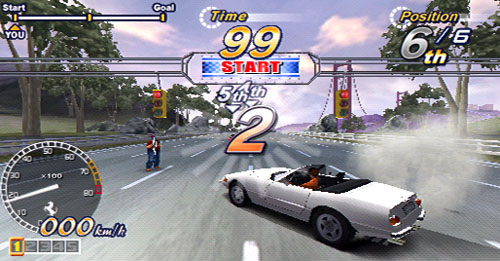
4. Take one of the car going up to the line. It’s always pretty, and doesn’t even require any gaming skill at all!
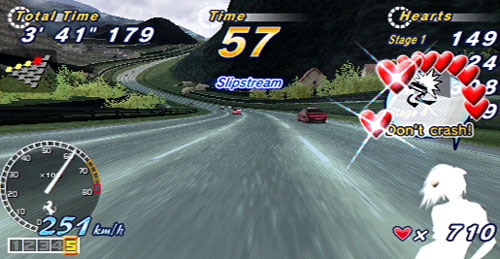
5. Get some from the in-car view. It’s hard to play like this, so you will earn the respect of your readers. And it lets geeks examine the road textures.
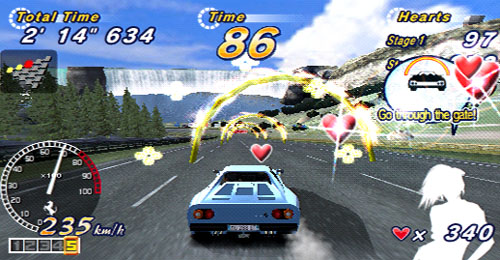
6. Take one of the crazy mini games and Heart Attack stuff. More stuff happens on screen, so it looks more exciting still!
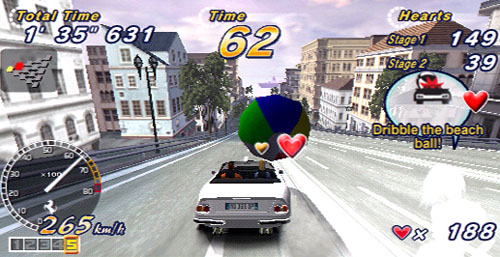
7. Mini games. If you’re struggling with all this, send us an email and we’ll do it for you. We’re the world’s number one authority on taking amazing screenshots of OutRun, and we’ll happily do it for you for nothing.
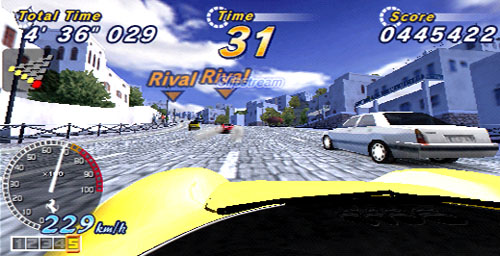
8. Feel free to use these ones, even if you’re a web site or magazine we usually hate, like, say, Edge. Or… no, we were thinking of Edge again. The whole community needs to pull together in times of OutRun games coming out. We even saved these ones at JPEG compression quality 6, which is higher than usual, so they’ll come out OK.
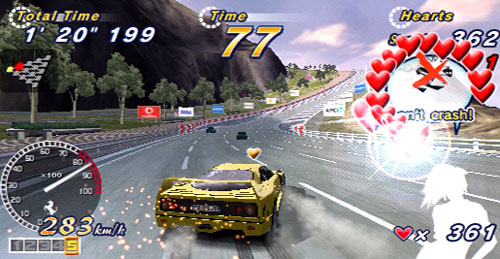
9. Beautiful! We might do some Xbox and PS2 screenshots soon, just for fun.
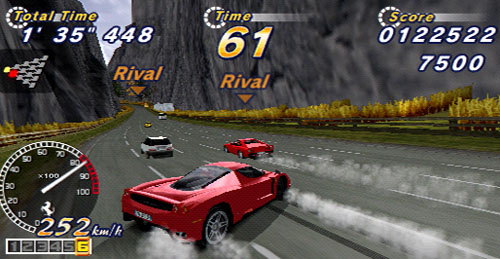
10. Is this enough to get the message across?
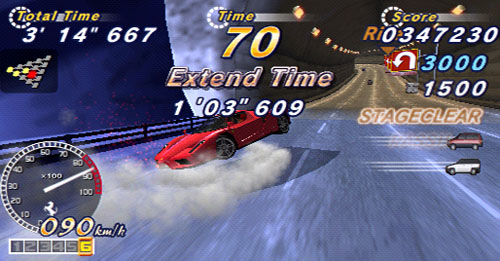
11. This is the absolutely last one. Remember to take a grab of your car crashing.
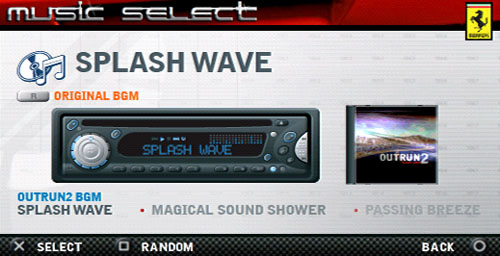
12. That’s definitely it now. You MUST take one of the radio music select screen. Basic stuff, admittedly, but some people need to be told this shit.
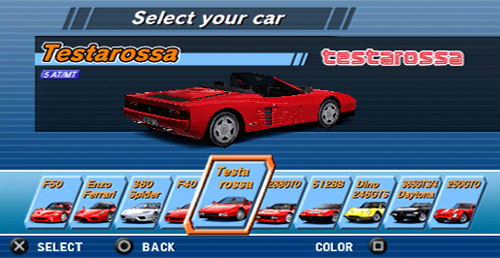
13. The ‘SUBTEXT’ to all this is that the game looks really amazing on PSP. That’s the idea behind the update. It’s like a visual review.
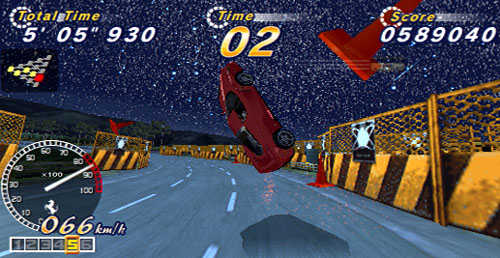
14. Don’t make us have to tell you again.